
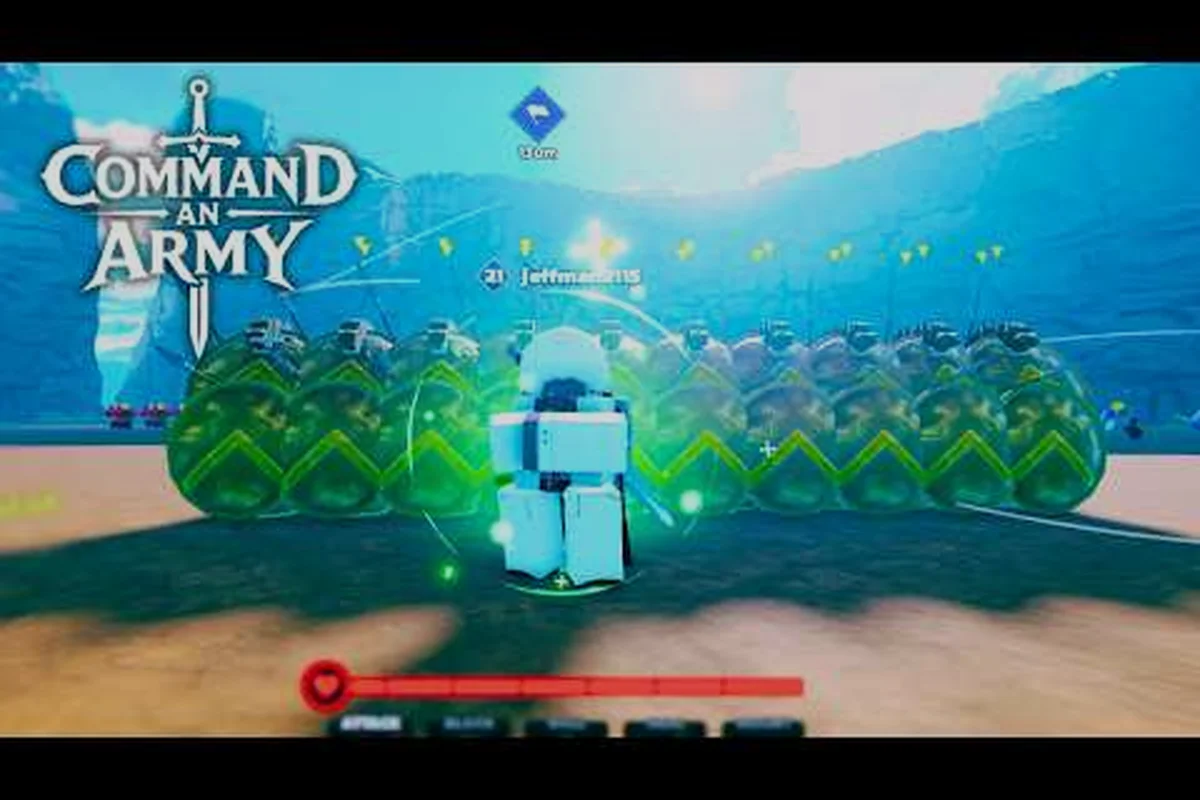
Picking a side in Command An Army game modes shapes your whole match, because every round forces you to either push a line as the attacker or grind it out as the defender. According to the official Command An Army Roblox page, the game is built around team-vs-team warfare where you recruit AI troops, capture points, and issue formation orders, which means your mode choice decides whether you spend the match running forward or holding ground. This guide breaks down every Command An Army game modes option so you know which side to queue into and how to play it well.
Understanding Command An Army Game Modes At A Glance
Command An Army is a Roblox strategy battleground built by the developer group Fight, Fight, Fight! and run by JakeKamuii, and every match slots you into one of the game's rotating modes. The core experience is team-vs-team, with each side commanding AI squads through the four formation commands documented by All Things How: Follow, Hold, Attack, and Rush. Before you queue, it helps to know the structural layer underneath every match.
Core Match Structure
Every Command An Army game modes match follows the same skeleton: two teams spawn on opposite sides of a map, each team recruits troops from a shared resource pool, and victory is decided by capture points or total elimination depending on the mode. Star Limits cap how powerful any single unit can become, while Classes determine whether a unit is Melee, Ranged, Cavalry, or Special. The match clock varies by lobby size, but most casual rounds run three to six minutes.
Mode Categories Explained
Rather than labeling every variant by a hard-coded name, the community typically groups Command An Army game modes into three buckets: pure attack rounds where one team must push, pure defend rounds where one team must hold, and team-vs-team battles where both sides play symmetrically. Each bucket has its own tempo, reward cadence, and skill ceiling, which is why the table below is a useful first reference.
| Mode Bucket | Side Assignment | Primary Win Condition | Typical Match Length | Best For |
|---|---|---|---|---|
| Attack | You queue as the pushing team | Capture all points or break the enemy line | 4-6 minutes | Aggressive recruiters who like pushing flanks |
| Defend | You queue as the holding team | Run out the clock or hold capture points | 4-6 minutes | Players who prefer chokepoint play and formation control |
| Team vs Team | Both sides play the same role | Most kills, most captures, or objective completion | 3-5 minutes | Squads that want symmetric, skill-based fights |
Why Your Side Choice Matters
Because attacker and defender kits are not perfectly mirrored in every map, the Command An Army attack mode often gives you faster early-unit spawns while the defend mode rewards players who know how to stack chokepoints. Choosing the wrong side for your playstyle is the fastest way to feed kills, so the rest of this guide walks through what each mode actually demands from you in practice.
Command An Army Attack Mode: Pushing The Line
Command An Army attack mode drops your team on the spawning end of the map with a single goal: break through the enemy defense and lock down capture points. This is the most entry-friendly mode for new players because the game hands you a clear objective (move forward) and rewards aggressive recruitment.
How Attack Rounds Flow
When the match starts, your team has roughly fifteen to twenty seconds of setup time before the first wave. Spend that window pre-recruiting two melee units and one ranged unit, then send them forward with the Follow command so they move as a tight block. Once you reach the first capture point, switch to Attack so your squad prioritizes the enemy defenders on that point instead of chasing stragglers.
Best Unit Mix For Attack
| Role | Early Pickup | Why It Matters In Attack |
|---|---|---|
| Melee (Frontliner) | Recruit 2 immediately | Soaks damage and pins defenders in place |
| Ranged (Damage) | Recruit 1 behind melee | Kills defenders stuck in melee so your line advances |
| Cavalry (Flanker) | Add 1 once you capture the first point | Wraps around distracted defenders to seize the second point |
| Special (Support) | Save for the final push | High-star units swing late-game objectives |
Common Attack Mistakes
-
Spreading your squad too thin: recruiting across the whole map instead of stacking a single push
-
Forgetting to switch commands: leaving your squad on Follow when they should be on Attack at a capture point
-
Ignoring the capture timer: the round can flip in the last minute if you stall near a halfway point
-
Recruiting high-cost units early: Star Limits scale with the match, so early spending hurts your late-game ceiling
Attack mode rewards momentum more than defense because its win condition is tied directly to the capture-point bar, so squads that chain early kills and convert them into zone time often seal the round before Defend side can re-stack. When you're choosing between Attack or Defend, queue Attack specifically for short, decisive matches where your team can commit to one push lane, rotate through capture points, and leverage reinforcements on cooldown rather than soaking chip damage across a wide front.
Command An Army Defend Mode: Holding The Line
The Command An Army defend mode is the mirror image of attack: your team spawns behind the capture points and must stop the enemy push before time runs out. It is mechanically the slower mode because you are reacting to enemy movement, but it also gives you the strongest map-control tools in the game.
How Defend Rounds Flow
Defenders usually have slightly higher starting Star Limits and access to pre-built defensive positions near each capture point. The first minute is about placing melee units on the forward chokepoint and parking a ranged unit behind them, then switching to Hold so your troops stay anchored even when the enemy tries to bait them out of position.
Defend Setup Cheat Sheet
| Capture Point Stage | Recommended Formation | Key Command |
|---|---|---|
| First point (forward) | 2 melee in front, 1 ranged behind | Hold |
| Second point (mid) | 3 melee, 1 ranged, 1 cavalry on flank | Hold + Attack on enemy advance |
| Final point (base) | All units stacked, switch to Attack when enemy engages | Attack |
Why Defend Is Harder For Solo Players
Defend requires map knowledge that solo players often lack, because the best defensive positions vary by map. If you queue defend solo, the fastest way to stay useful is to mirror whoever on your team is performing well and stack the same capture point they are stacking. For a deeper map-by-map breakdown, the Command An Army map rotation guide covers which maps favor which side.
Defend Rewards And Risks
Winning defend rounds typically grants more bonus resources per tick because you are saving Star Limit on early recruitments and banking for late-game unit unlocks. The risk is that a single enemy player who breaks your first point can snowball the match, so defenders who ignore the forward capture point almost always lose.
Command An Army Attack Or Defend: How To Choose Side
The Command An Army attack or defend decision is forced on you at queue time, so you cannot switch mid-match. That makes the side-pick part of your pre-game strategy rather than something you fix on the fly.
Side-Pick By Playstyle
| If You Prefer | Queue This Side | Reason |
|---|---|---|
| Fast, aggressive pushes | Attack | Your instincts match the win condition |
| Map control and chokepoints | Defend | You get to set the tempo instead of chasing it |
| Farming kills over objectives | Attack | Defend kills come slower because enemies disengage |
| Playing with a full squad | Defend | A coordinated squad is harder to break than a solo defense |
| Playing solo or with one friend | Attack | Attack rewards individual momentum more than team stacks |
Side-Pick By Map
Some maps in the rotation are heavily defender-favored, and queueing attack on those maps as a solo player is a fast path to a loss. Community testing on the Command An Army defend mode map guide shows that chokepoint-heavy maps favor defend by a wide margin, while open-field maps swing back toward attack. If you are not sure which map you queued into, watch the enemy spawn placement during setup: if they are bunched near a single narrow entry, the map is defender-friendly.
Side-Pick By Time Of Day
This is less documented but worth noting: peak-hour lobbies tend to have more experienced attackers because new players gravitate toward defend first (it feels safer), so late-night lobbies are often the easiest place to queue attack and rack up wins. Off-peak defend queues can also be easier because attackers without a squad cannot break a stacked defense.
Command An Army Team Vs Team And Team Battle Mode
The Command An Army team vs team format is the symmetric mode where both sides play the same role, and the Command An Army team battle mode is the broader category that includes all symmetric variants. These are the most skill-testing modes because the outcome depends almost entirely on recruitment timing and command switching rather than map asymmetry.
How Team Vs Team Differs From Attack Or Defend
In a symmetric team battle, there is no attacker or defender label, just two equal teams racing for capture points or kill totals. Star Limits start equal, map resources are mirrored, and the win condition is the same for both sides. According to community clips like the MimoBlox gameplay breakdown, most team battle rounds end with a final-point push where one squad swaps to Attack at the right moment and breaks the other team's formation.
Best Strategy For Team Battles
| Phase | Recommended Action | Command To Use |
|---|---|---|
| Setup (first 15 seconds) | Recruit 2 melee, 1 ranged | Follow |
| Mid-game (first capture) | Stack your strongest unit near the point | Hold |
| Mid-game (counter-push) | Add cavalry on the undefended flank | Attack |
| Late-game (final 30 seconds) | Switch everything to Attack and rush the enemy point | Attack + Rush |
Why Team Battles Are The Best Practice Mode
If you are trying to improve at Command An Army attack or defend fundamentals, team battle is the cleanest place to practice because you cannot blame a defender-heavy map for a loss. It also forces you to learn all four formation commands, since the match can flip in the last minute if you leave your squad on Follow when you should have switched to Attack.
Team Battle Reward Patterns
Team battle rewards tend to be the most consistent because both sides have similar resource income, so wins and losses give roughly the same bonus currency per match. Long sessions of team battle are the fastest way to grind the Star Limit upgrades that then carry into your attack and defend matches.
Picking The Right Mode For Your Squad Size
Squad size fundamentally changes which Command An Army game modes you should queue, because each mode scales troop deployment and reinforcement waves differently depending on whether you're running a 2-player team or a full 6-player squad. In Attack mode, smaller squads need to concentrate hits on a single capture point to trigger the bonus morale boost, while larger teams in Defend mode can split across all three lanes to hold capture timers under the 90-second respawn window. Choosing the right side (attack or defend) based on your team count directly affects win rates in both Team vs Team and Team Battle mode.
Solo Play Recommendations
| Mode | Solo Viability | Why |
|---|---|---|
| Attack | High | Your individual push can snowball |
| Defend | Medium | You can mirror good defenders but cannot anchor alone |
| Team Battle | Medium | You can carry with command switching if you know the meta |
Duo And Trio Play
Duo and trio play is the sweet spot for defend mode, because two coordinated players can lock down the first two capture points and force attackers into a 3v1 at the final point. Trio attack is also strong because you can split into a forward pusher and a flank flanker without losing map presence.
Full Squad Play
A full squad of five should almost always queue defend on chokepoint maps and attack on open maps, because the side asymmetry stops mattering when your squad executes faster than the enemy. The Command An Army best game mode guide goes deeper on squad-role assignments if you want a full team comp breakdown.
Side-Pick Cheat Sheet And Common Match Scenarios
Before locking in your side, scan the lobby composition, map vote, and any active challenge modifiers — a 4v4 stack queuing Command An Army attack mode on a payload map, for example, almost always wants an aggressive flanker rather than a passive anchor on defend. The cheat sheet below assumes a standard team vs team format and breaks down the four most common lobby states (balanced MMR, one side stacking, contested roll, premade vs randoms) so the Attack or Defend decision takes seconds instead of minutes.
Scenario 1: You Queued The Wrong Side
If you load in and immediately see your team is disorganized, do not leave. Switch to Hold on the capture point closest to your spawn and recruit only one melee unit until your team settles. The match is still winnable, and leaving drops your team's win rate much harder than playing a bad side well.
Scenario 2: Your Side Has Map Advantage
When you notice the map favors your side, the goal is to snowball early instead of playing safe. Recruit one extra unit in the first fifteen seconds, push the first capture point immediately, and do not let the enemy team stabilize. For a deeper look at attack-side map reads, the Command An Army all game modes breakdown covers how to identify which side the current map favors.
Scenario 3: You Are Losing At The Halfway Mark
If the match is slipping away, the most common mistake is panic-recruiting. Instead, pull your squad back to the nearest capture point, switch to Hold, and bank resources for a final thirty-second push. Most comeback wins in team battle mode happen in the last minute, not in the middle of the match.
Scenario 4: You Are Carrying Your Team
When you are clearly the best player in the lobby, switch your formation commands more aggressively than usual. Set your frontline to Hold, send your ranged unit forward with Attack, and use your cavalry as a solo flanker. Carrying a team is mostly about using all four commands in a single match instead of sticking to Follow the whole round.
Final Tips Before You Queue
A few habits separate players who win consistently in Command An Army game modes from players who bounce between attack and defend without ever climbing. The first is to always read the enemy spawn setup before recruiting, because the spawn placement tells you whether the map favors attack or defend. The second is to stop queueing defend on chokepoint maps solo, because the Command An Army how to defend guide makes clear that a stacked enemy team breaks a solo defender faster than most players can react. The third is to track your win rate per side and per map, because the side that feels strongest in your head is often not the side you actually win on.
The last habit is to use all four formation commands in every match instead of camping Follow. Follow is a setup command, Hold is a defense command, Attack is an objective command, and Rush is a finisher command, and players who cycle through all four during a single round almost always out-perform players who leave their squad on Follow from start to finish.
Frequently Asked Questions
What are the main Command An Army game modes?
The main Command An Army game modes fall into three buckets: attack rounds where one team pushes, defend rounds where one team holds, and team battle rounds where both sides play symmetrically. Every queue in the game slots you into one of these three categories, and the win condition changes depending on which bucket you are in.
Should I queue attack or defend in Command An Army?
Queue attack if you prefer fast pushes and individual momentum, and queue defend if you prefer map control and chokepoint play. Solo players generally do better on attack, while full squads generally do better on defend, especially on chokepoint-heavy maps.
How does Command An Army team vs team work?
In Command An Army team vs team rounds, both sides play the same role with equal Star Limits and mirrored resources, and the win goes to the team that captures more points or racks up more kills. The mode is the most skill-testing because it removes side asymmetry and forces you to rely on command switching and recruitment timing.
What is the best side to pick as a new player?
Attack is usually the best side for new players because the win condition is straightforward: move forward and capture points. Defend requires more map knowledge and formation discipline, so new players often get stuck holding the wrong chokepoint and lose the match in the first minute.
Can I switch sides mid-match in Command An Army?
No, you cannot switch sides mid-match. The attack or defend label is locked at queue time, so your only real choice happens before you click the play button. This is why tracking your win rate per side is a useful habit, because it tells you which side to queue into more often.